
Wednesday, 23 March 2016
Getting Voice Overs
After our shoot, we didn't get the initial entrance for our thriller that we expected.
I had planned that we would film the characters running in... or something like that.
But due to our tight schedules and persuasion from group members we decided not to do it.
So, we had the idea during the editing process, which you probably had read about earlier, to have a black screen for the titles to come up on white text and have voice overs of what is going on.
Here is a video that one of my group members (Alen) made.
Here you can see us capturing the voice over from two of our actors, the other actors we didn't film, as we wanted them to feel more comfortable.
I had planned that we would film the characters running in... or something like that.
But due to our tight schedules and persuasion from group members we decided not to do it.
So, we had the idea during the editing process, which you probably had read about earlier, to have a black screen for the titles to come up on white text and have voice overs of what is going on.
Here is a video that one of my group members (Alen) made.
Here you can see us capturing the voice over from two of our actors, the other actors we didn't film, as we wanted them to feel more comfortable.

Editing [SESSION_5]
 |
| I look like I am having fun on the outside, but on the inside I am crying |
Now I was cutting it close. The deadline was close, all I had to do was put in the final tweaks. The walkie-talkie voice overs and the colour grade. While the colour grade wasn't essential it was important to get that cinematic look and feel you see in hollywood blockbusters
In the last hour of editing I chose to cut Jame's part out, and then it was all over.
It was finished.
Editing [SESSION_4]
Last night I spent hours trying to work on the final piece of the sequence JAME’S_CUT_1. I wanted to conquer it so the group could move on with the VAN_CUT_1. I had been spending hours on this piece, scrubbing through back and forth… it still looked rubbish. What could I do. I had a shot of Jame’s when the van doors open, a reaction shot from the characters in the van, then him walking to the van, as he is walking to the van one of the characters grab the gun and aim it at him, which she is quickly stopped from shooting, then he gets to the van gives them eye contact, get a reaction shot from them, then he takes the briefcase and walks away. It looked crap. So after spending a few hours starring my soul intro the piece, it clicked. And this is what editing is… problem solving. After years of not properly editing, it came to me, this is why I loved it so much, because you problem solve.
What I would have now is the shot of Jame’s when the van doors open, a reaction shot from the characters in the van, then him walking to the van and then he reaches for the briefcase, Zell grabs the gun and aims it at him, which she is quickly stopped from shooting, then he stars at them and he then continues by walking off with the briefcase. Taking away that one extra reaction shot changed everything. It suddenly worked. It was all falling into place.
 In the session today with the group, I decided rather than just Alen and I edit the project, while Haydon and Dasha peer behind us, they could be writing the script for the beginning black screen and the voiceover for the freeze frames. So I delegated the tasks out. While Alen and I continued on refining the cut. I asked him if he could finish off the van scene for a kind of rough cut, which I would help him complete in our next session together and I would finish Jame’s scene. We have a lot more work to go, even though I had a break through with that scene earlier we are far from done and as the deadline creeps closer and closer, we really need to get our act together.
Editing [SESSION_3]
Our third session we split up our piece. We had two different sequences, one for the VAN_CUT_1 and then another for JAME'S_CUT_1. Matt the dude suggested that we do this so we could complete one cut with ought everything getting overwhelming. As well he suggested we do this so we can finish the final bit with Jame's (our mafia dude), so we know how long to edit the van scene. Do to the splitting of the scenes this means we are going to have to speed up our editing process, so we can get both cuts looking pretty sick.
As we are editing this piece the more apparent it is becoming that my group are not clear on what the end product should look like. Alen and I are editing the piece, which Alen even though with previous experience is finding it difficult to cut it due the colours being so off between shots, that he doesn't find it right piecing them together. As well while cutting the van scene the audio is so hectic it has been difficult to cut it while trying to ignore the music. However now we have kinda found a flow. But we still haven't done much and my group is quite far behind. But don't worry I have my half term to make an art piece out of this.
Over half term, I began cutting it at 10 and finished at 4pm. I knew I was gonna blow my group away with what I had made of it. Saved it. Logged off and went to sleep. The product was finished. Go on the editing suites Monday with my group playback my piece and it looked... terrible. I don't know how this could of happened. It just looked like I stuck my log together, it was terrible. I couldn't do this project. I didn't know how to make something of it. I had failed as an editor.

As we are editing this piece the more apparent it is becoming that my group are not clear on what the end product should look like. Alen and I are editing the piece, which Alen even though with previous experience is finding it difficult to cut it due the colours being so off between shots, that he doesn't find it right piecing them together. As well while cutting the van scene the audio is so hectic it has been difficult to cut it while trying to ignore the music. However now we have kinda found a flow. But we still haven't done much and my group is quite far behind. But don't worry I have my half term to make an art piece out of this.
Over half term, I began cutting it at 10 and finished at 4pm. I knew I was gonna blow my group away with what I had made of it. Saved it. Logged off and went to sleep. The product was finished. Go on the editing suites Monday with my group playback my piece and it looked... terrible. I don't know how this could of happened. It just looked like I stuck my log together, it was terrible. I couldn't do this project. I didn't know how to make something of it. I had failed as an editor.
Editing [SESSION_2]
After running the play-head through the log a couple of hundreds times more, I needed to find a solution for our group. Right so we have action scene here, I am not going to slap some cheap text over the top to show the credits as the action plays out. Oh no. What I suggested to the group is at the beginning of the sequence if we just have black and over this we have the screaming and the shouting from the actors leading up to the bit the character Dave (the nerdy Indian dude) gets shot. Not only establishing what the hell is going on but now throwing the audience straight away into the action, I thought it just didn't feel right. Right but what about our title/credits. So the titles would come on the screen on the black back ground, this will make it easier to place the credits. And our final title would still be at the end when the door style. The kind of text style I would want for this would be from the TV show justified. Rubbish show aside, the titles have this cool jittery movement effect to them, with the font for individual text characters changing.
We began copying and pasting clips that we thought would work into place. We did this in a new sequence called the rough cut. We came across a continuity problem with our actor Zell, who takes off her mask with her left hand and in another clip we were trying to chop together she used her right hand to take of her mask, rendering the clip worthless. Substituting one of the clips for the other. We had to do a lot of this through the editing process rendering a lot of our clips worthless.
Seeing this issue I had to come up with another solution for the problem. Initially we wanted our idea to have that snatch text effect for the credits but I thought why not have narration over that. This would give our sequence length but as well introduce the characters. After discussing this with the group we all thought it was cool but we would only add it if we had the time. I was okay with that. So it was time to get started.
We began copying and pasting clips that we thought would work into place. We did this in a new sequence called the rough cut. We came across a continuity problem with our actor Zell, who takes off her mask with her left hand and in another clip we were trying to chop together she used her right hand to take of her mask, rendering the clip worthless. Substituting one of the clips for the other. We had to do a lot of this through the editing process rendering a lot of our clips worthless.
Seeing this issue I had to come up with another solution for the problem. Initially we wanted our idea to have that snatch text effect for the credits but I thought why not have narration over that. This would give our sequence length but as well introduce the characters. After discussing this with the group we all thought it was cool but we would only add it if we had the time. I was okay with that. So it was time to get started.
Editing [SESSION_1]
Finally we were in the editing suites. After weeks of pondering on what our footage was gonna look like, it was time. Time to see the most magnificent piece of not only coursework but art. We open the project. The footage is loading. We scroll through the clips. Wait... hang on. Everything looks rubbish.
The camera quality was of the quality of an iPhone 4S, while the cinematography was of the quality of a GoPro being strapped to a pineapple. I had mucked up. It was horrible, everything just looked rubbish.
Right. How am I going to fix this. After we had a quick tutorial on how to use Premiere Pro CC from Matt the dude, it was time to strap it. First of all we scrolled through every clip pulling in all the best parts of each clip into the time line. While pulling these clips into the timeline we put them into sections, if what was going e.g. for the doors opening in the van we would pull all the best clips of that into one section within the timeline, then the next scene into another area of the timeline. Once we dropped in all the clips we liked into the time line, we began pulling the play-head over and over the clips we had. This was our log. I tried to keep my cool within the group, but I was lost. How was going to complete this project. The cinematography was all wrong. Now it was time for the editor to come save the day.
Research into actual order of titles in opening title sequences
So what is a title sequence? The title sequence is the method in which titles are presented at the very beginning of a film, tv, or any other media format. It introduces the key members to the making of the film, for example the production company, director and actors.
Since we are creating a thriller opening title sequence, I am going to have to learn and deconstruct how it has been done by many pro's before me. I am not going to be talking about the history or who is arguable the greatest at creating title sequences (Saul Bass) but instead be analyzing how its done.
For our media piece I was inspired a lot by Guy Ritches Snatch. It was credit by two sick graphic designers calleds STUART HILTON and IAN CROSS, who ripped off there style from old boxing posters. This is prevalent in the freeze framing they did.
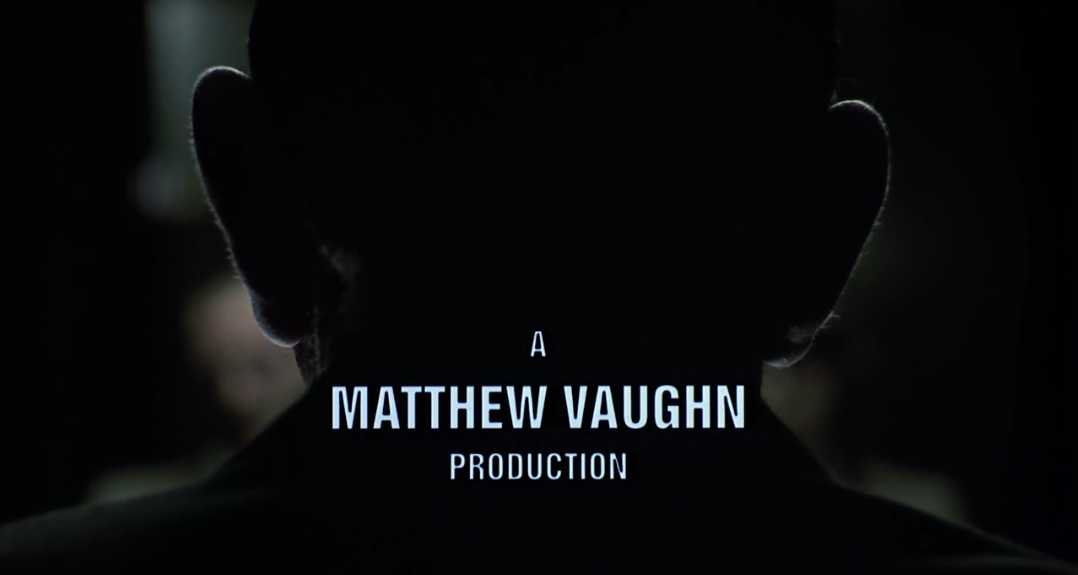
Right. So when creating a title sequence, you have to make sure that it all comes in at the right order. For example it wouldn't begin with the assistant directors name, it would begin with the production company as we can see from the example of snatch.
While I would of loved to go on all creative on this project, and have the boxing stylized effect on the freeze frame our piece was gonna be a more modern piece instead of a recreation of snatch from the 90's.
Here is the order in which the titles pursue...
Since we are creating a thriller opening title sequence, I am going to have to learn and deconstruct how it has been done by many pro's before me. I am not going to be talking about the history or who is arguable the greatest at creating title sequences (Saul Bass) but instead be analyzing how its done.
For our media piece I was inspired a lot by Guy Ritches Snatch. It was credit by two sick graphic designers calleds STUART HILTON and IAN CROSS, who ripped off there style from old boxing posters. This is prevalent in the freeze framing they did.
Right. So when creating a title sequence, you have to make sure that it all comes in at the right order. For example it wouldn't begin with the assistant directors name, it would begin with the production company as we can see from the example of snatch.
While I would of loved to go on all creative on this project, and have the boxing stylized effect on the freeze frame our piece was gonna be a more modern piece instead of a recreation of snatch from the 90's.
Here is the order in which the titles pursue...
The biggest financial contributor to the film is
shown first, this is usually the production
company behind the film.

Both production companies are shown in big
bold lettering, so everyone knows who they are.
The rest of the titles go in order of importance.

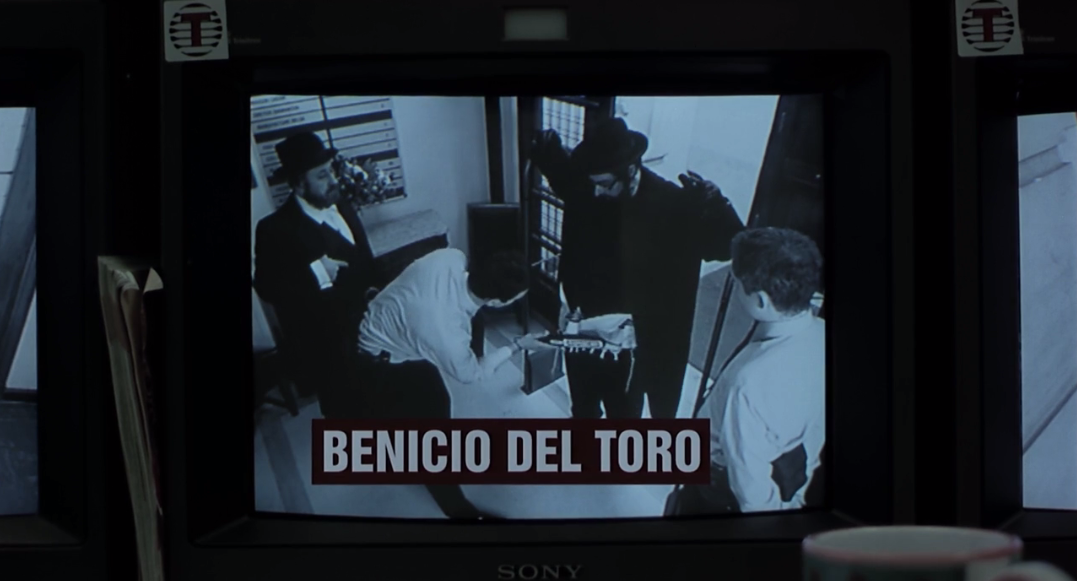


The producer is shown once and the beginning
and once at the end so no one forgets.

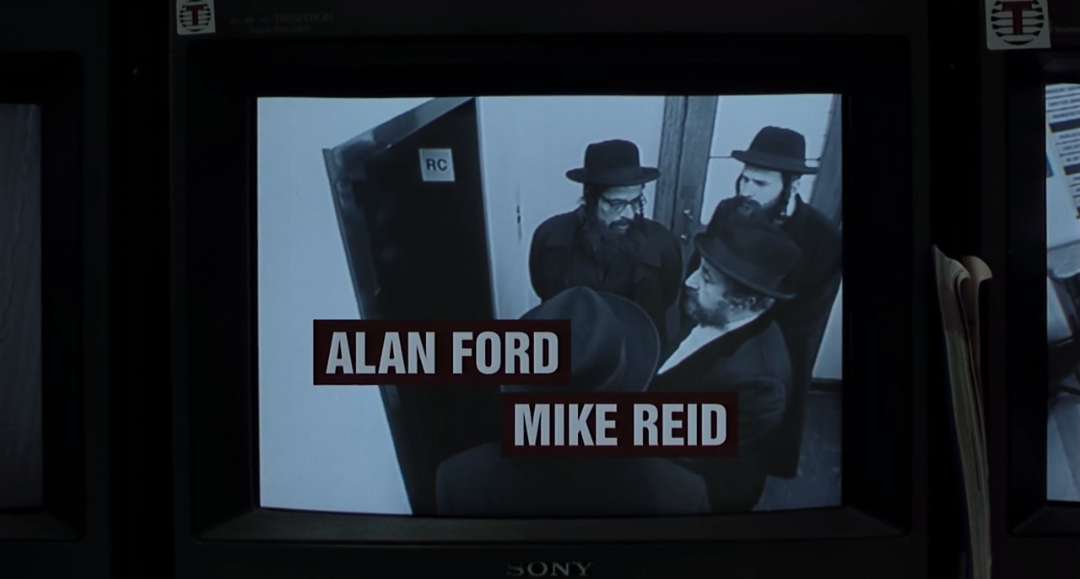
This is the same for the director, who is shown
last to make the greatest impact.

Then finally the most important part... the title
of the film.
the shoot day
Watch the video above of me talking about the actual shoot day.
Here is screenshot of the shot list we went by through out the day.

It kept our group much more organised then I thought it would and it made the group more motivated for the next part to shoot.
This is the character mindset I read out to each actor to get them into the zone.


photos taken by Dasha.
And here is a final highlight video of the day I made.
Tuesday, 22 March 2016
Emails confirming our cast list
Here are some screenshots of confirmation emails from our actors. The rest we confirmed in person. But not all of them could make the times we wanted so we had to make a schedule for there availability.


Cast availability table
TIME
|
Gustavo
|
Zell
|
Kenneth
|
Dave
|
Mike
|
Adam
|
James
|
09:30-10:30
| |||||||
10:30-11:30
| |||||||
11:30-12:30
| |||||||
12:30-13:30
| |||||||
13:30-14:30
| |||||||
14:30-15:30
| |||||||
15:30-16:30
|
Green: Available
Red: Unavailable
Subscribe to:
Posts (Atom)